

VeeiQ Money
Expense tracking without the nonsense.
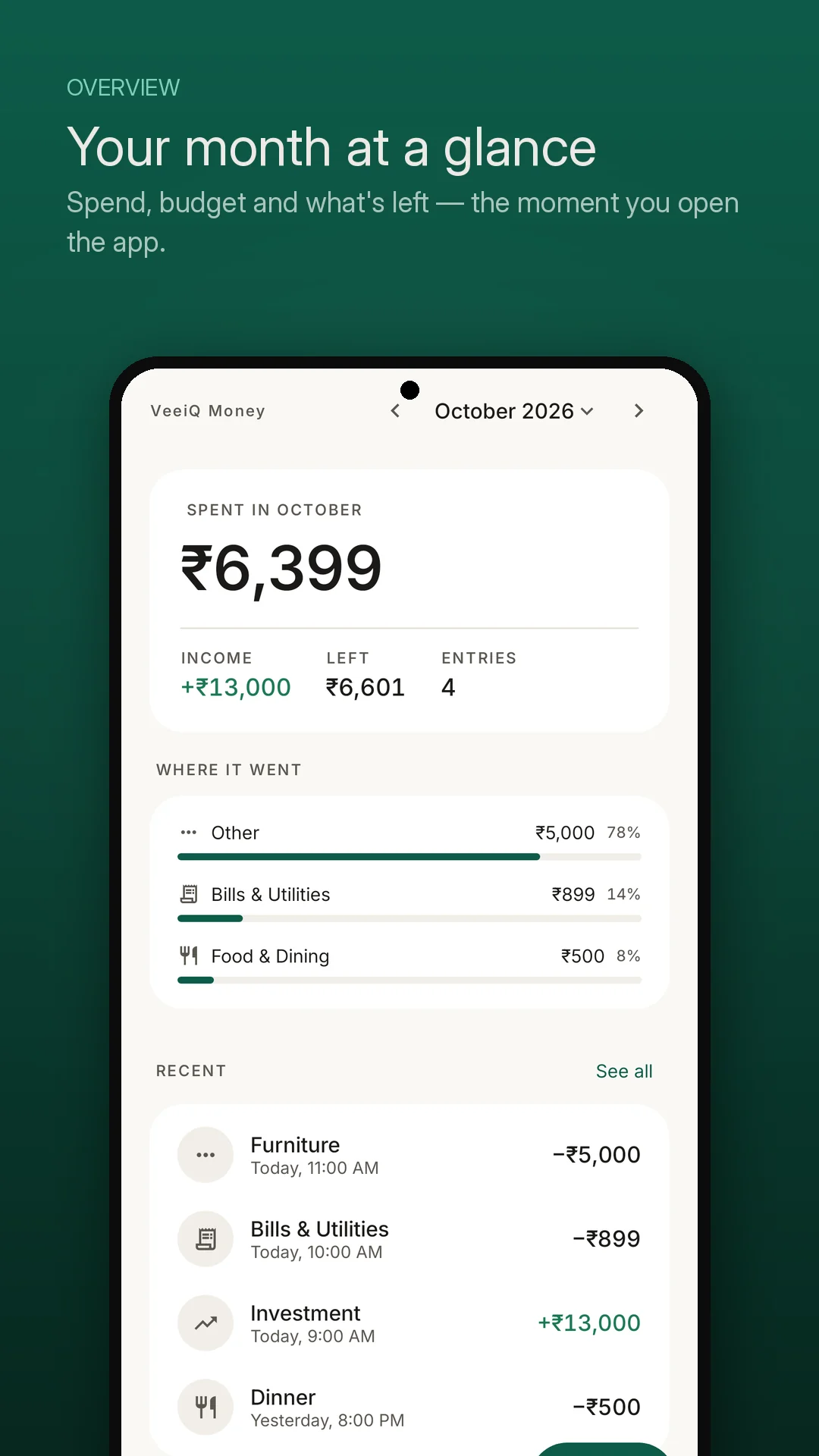
Log expenses and income quickly, understand your monthly spending with plain-language insights, and keep your financial records on your device. No bank logins, no ads, and no account required.

App Summary
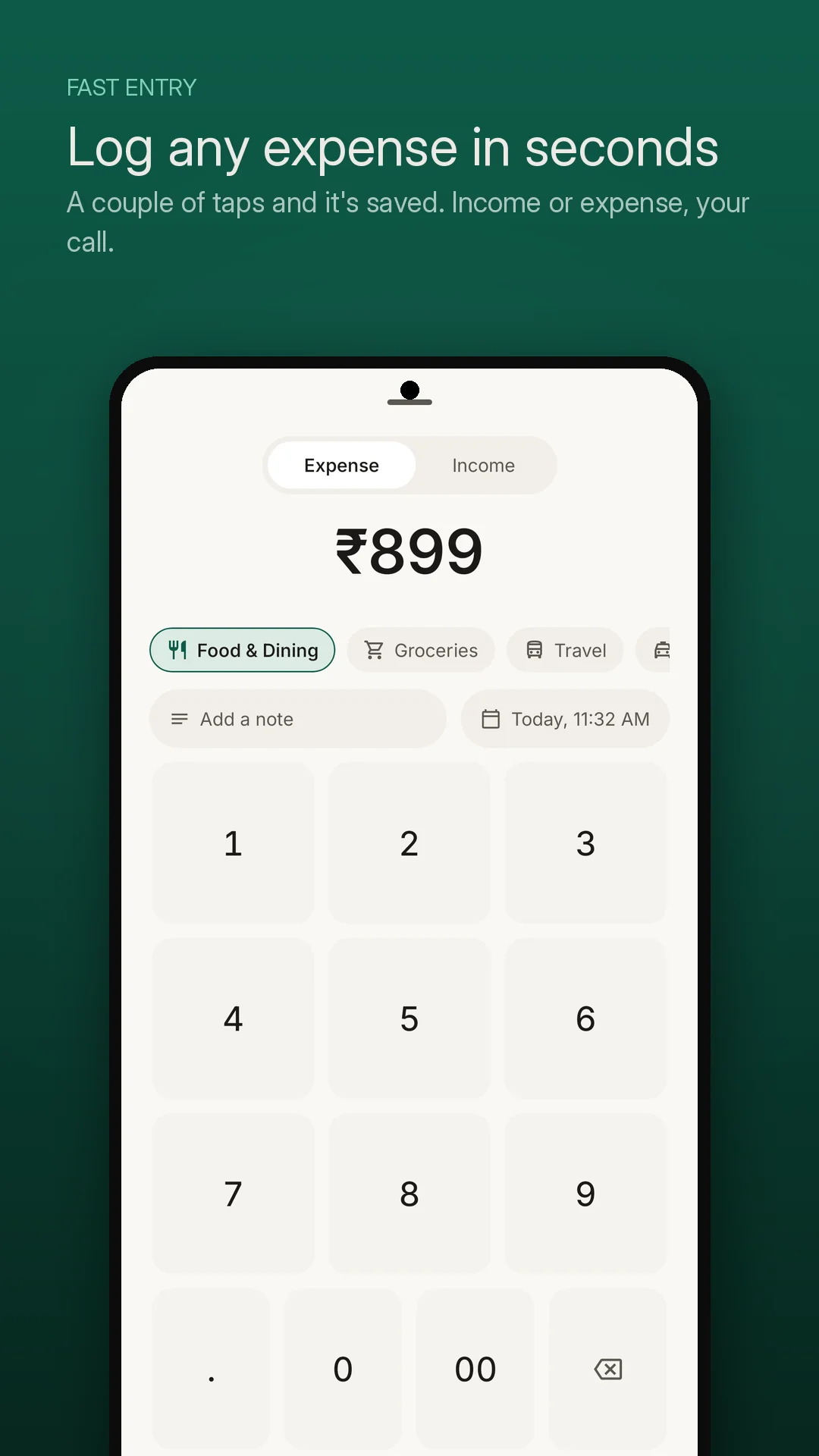
- ✔ 5-Second Transaction Logging Custom numeric keypad, single-tap category pills, and instant notes without friction.
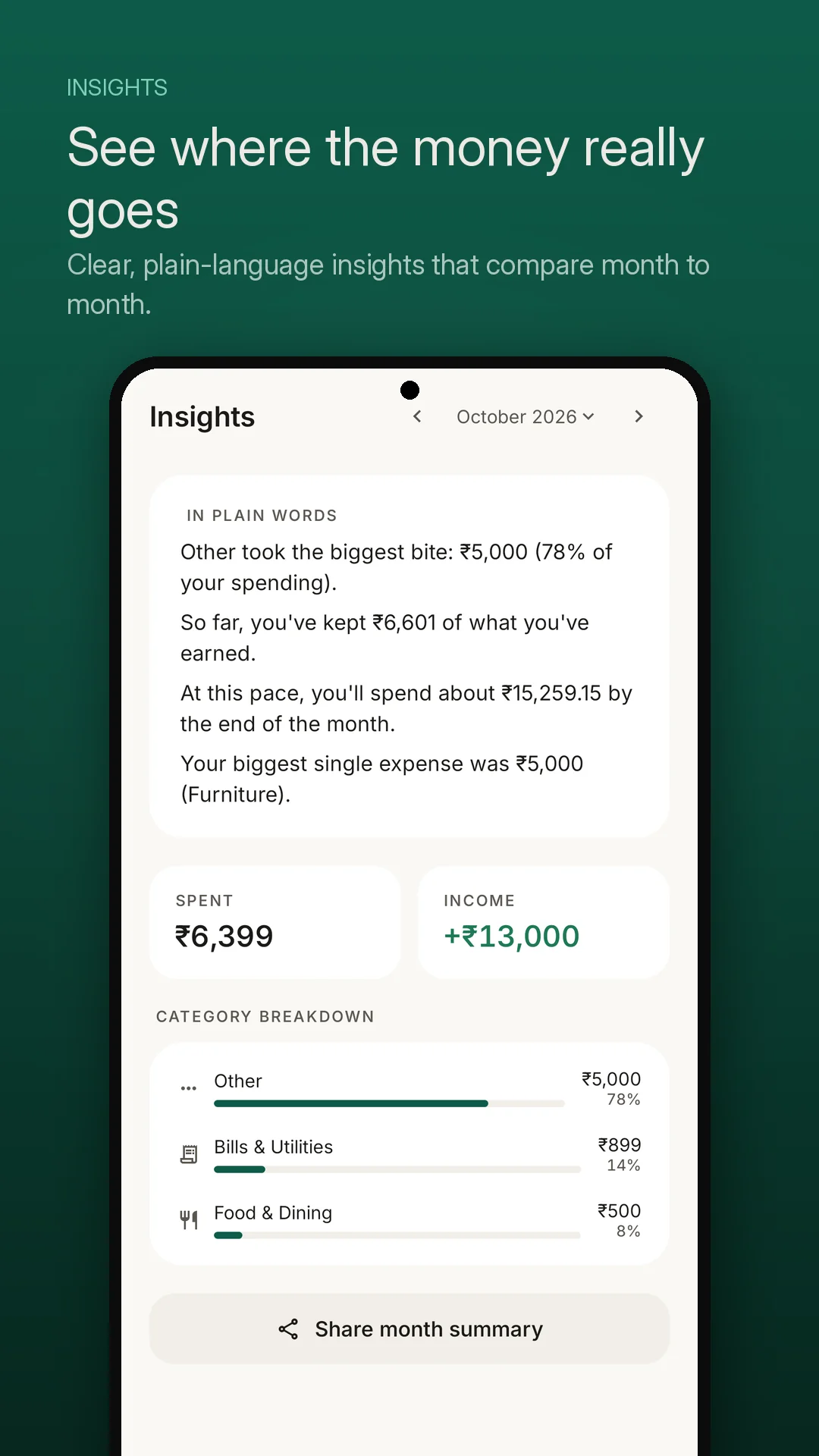
- ✔ In Plain Words Summaries Conversational analysis explaining spending velocity and trends instead of confusing graphs.
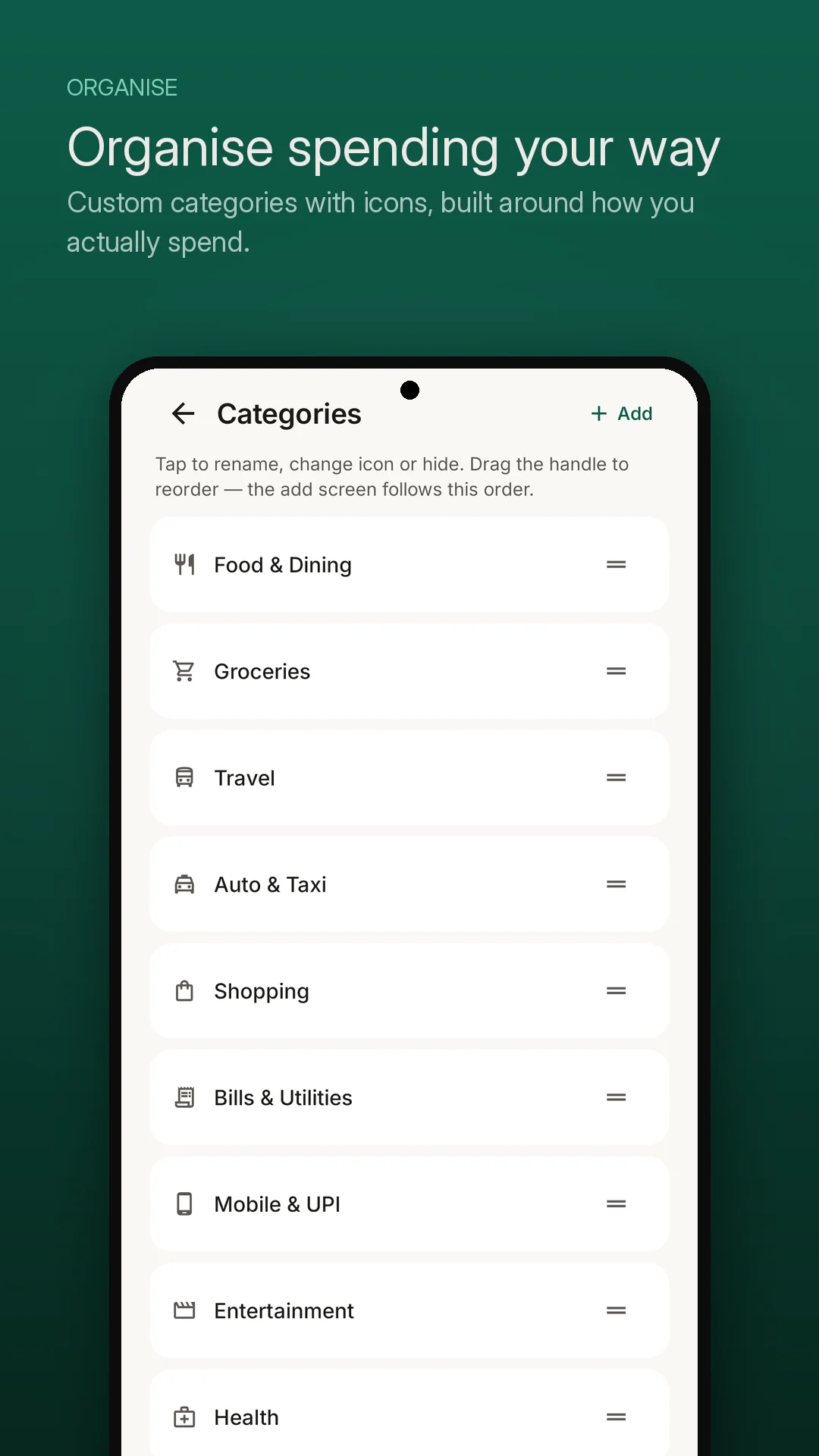
- ✔ Organise Your Way Custom categories, distinct icons, and drag-and-drop ordering for lightning-fast entry.
- 🔒 App Privacy Policy VeeiQ Money works on your device. We do not require an account, we do not connec...
Interface Preview
Designed with Craft & Precision
Core Capabilities
Engineered for Focus
⚡ 5-Second Fast Entry
Logging money should take seconds, not minutes. An on-screen custom keypad, instant Expense/Income toggle, and prominent category pills let you log coffee or groceries before leaving the checkout counter.
💬 In Plain Words Insights
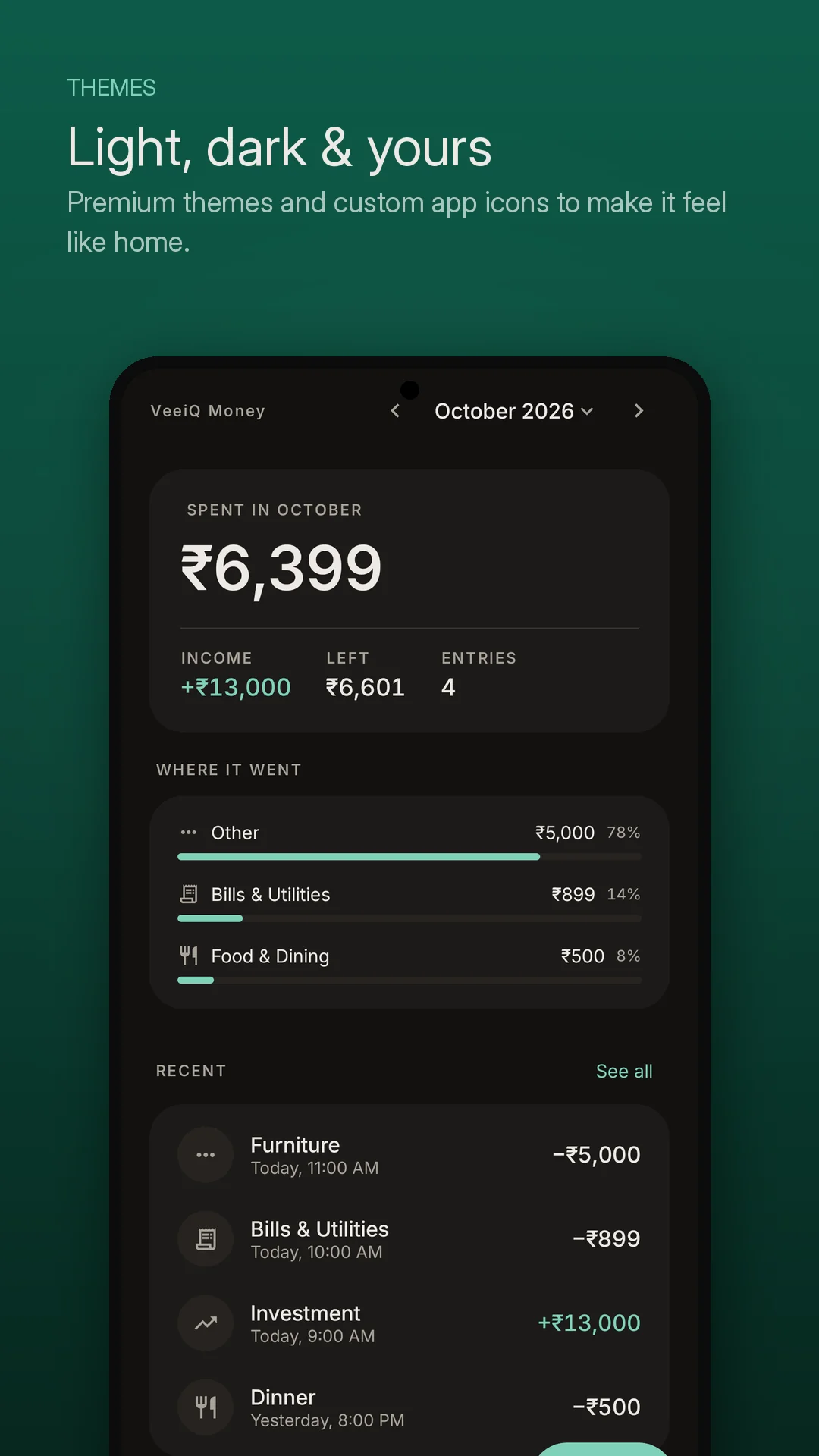
Complex pie charts don't build financial intuition. VeeiQ Money generates conversational monthly summaries: spending velocity per day, comparison with last month, and practical highlights of where your money actually went.
🖊️ Drag & Reorder Categories
Every person's financial routine is unique. Create unlimited custom categories, assign colorful visual icons, and drag priority categories to the top so your most common expenses take a single tap.
🔍 Instant Search & Swipe Actions
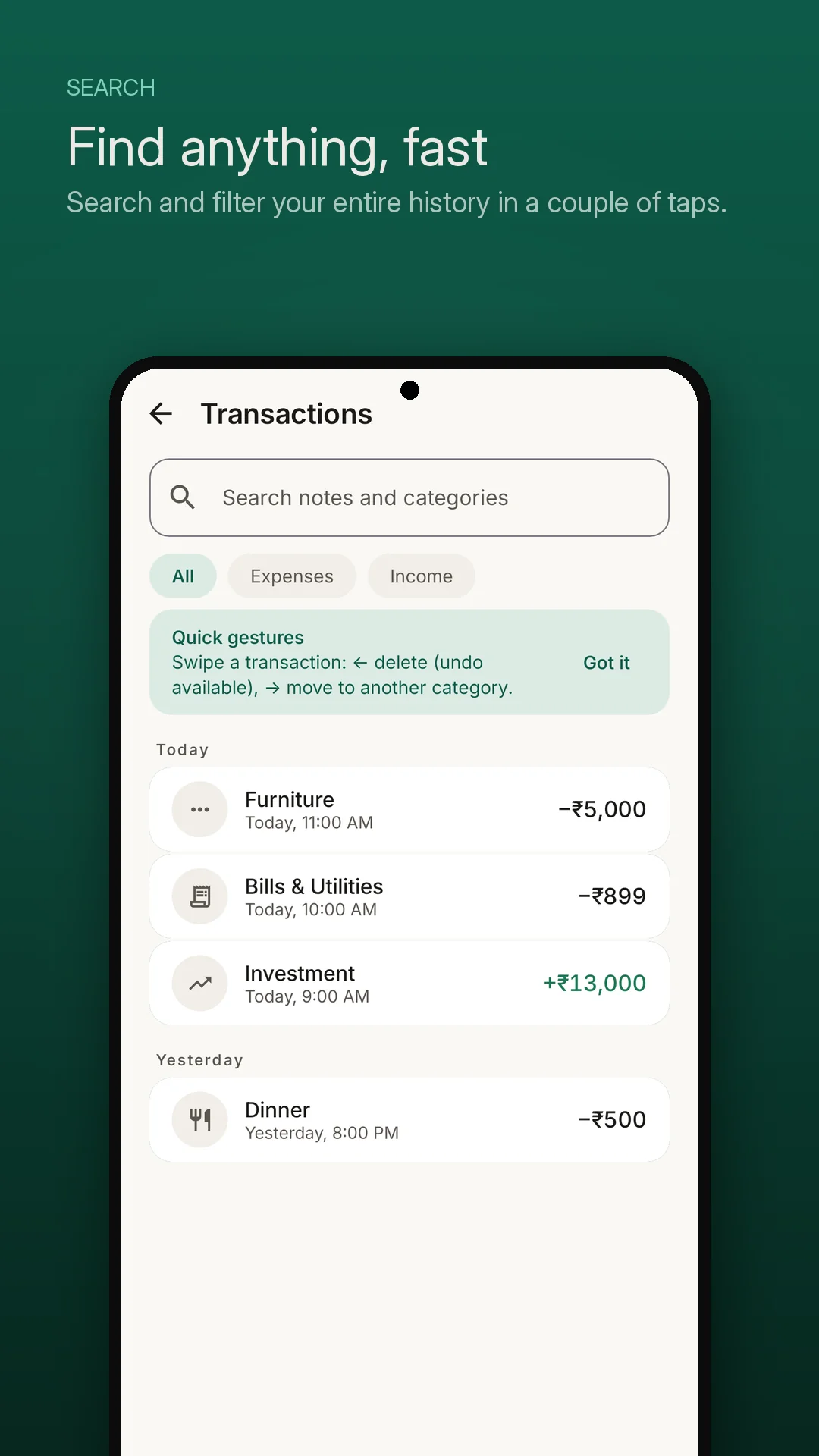
Locate any past bill or receipt note in milliseconds. Filter by All, Expenses, or Income. Fluid swipe gestures let you delete mistyped entries with instant undo or recategorize records on the fly.
💾 CSV Export & Local Backups
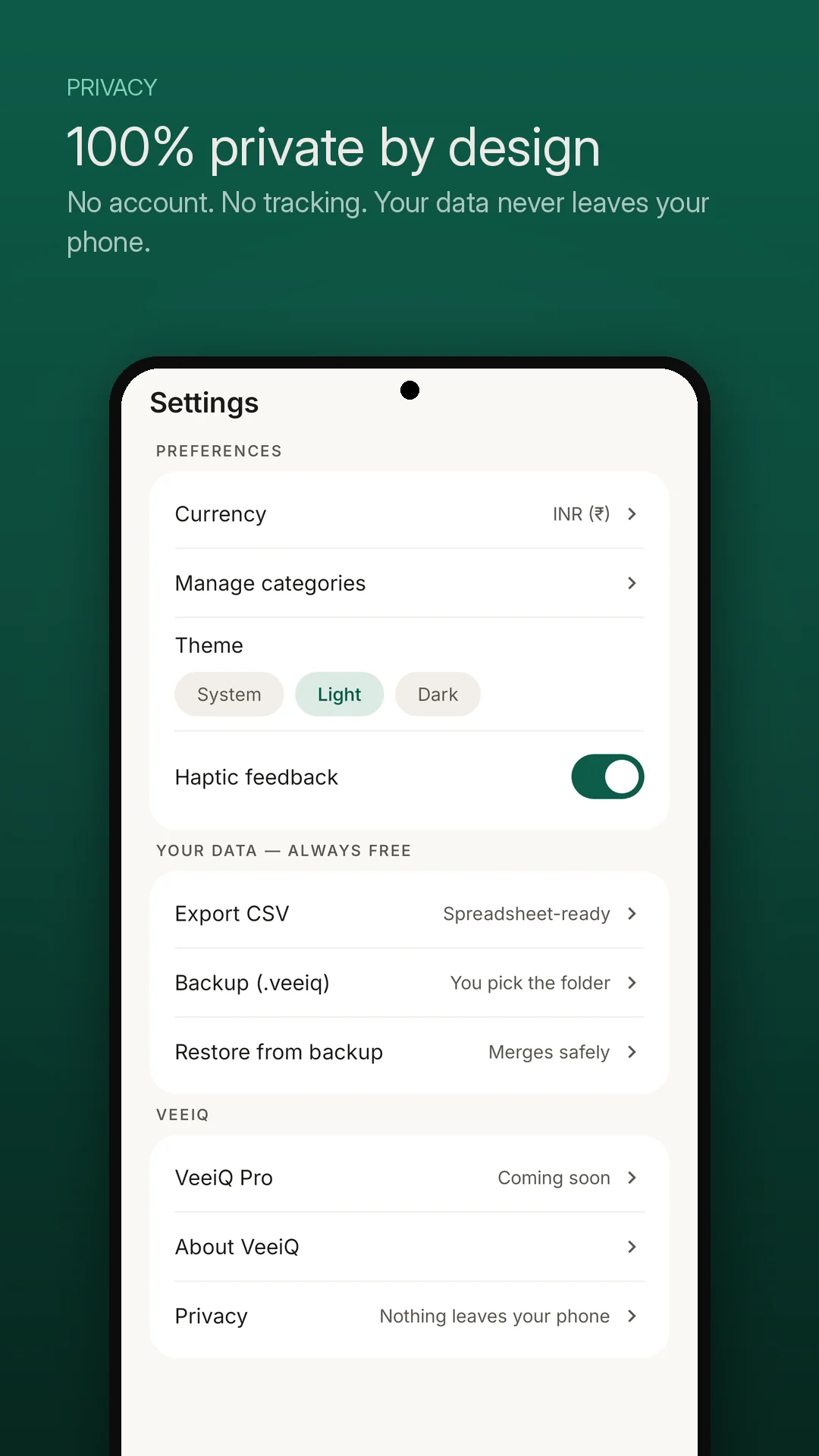
Create or restore a local .veeiq backup using Android's file picker. Export transactions to CSV for use in spreadsheet applications.
🌙 Dark Mode & Currency Options
Choose a theme and select your preferred currency.
Truth In Software
What VeeiQ Money Does & Does Not Do
Got Questions?
Frequently Asked Questions
What is VeeiQ Money? +
VeeiQ Money is an offline-first expense tracking app for Android. It stores financial records locally on your device with no app-operated server, no account registration, and no bank credential syncing. It enables fast transaction entry and produces clear, conversational monthly summaries.
Does VeeiQ Money connect to my bank accounts or read SMS? +
No. VeeiQ Money does not connect to your bank accounts, does not use financial aggregators, and does not request SMS permissions. All expense information is recorded manually by you in seconds and saved to your device's local storage.
Does VeeiQ Money require an internet connection? +
No. The app functions completely without internet access. All expense logging, calculations, category organization, and reporting happen locally on your phone processor. You can comfortably track expenses while traveling internationally, camping, or in airplane mode.
How does the 'In Plain Words' insight feature work? +
Instead of forcing you to decipher complex financial diagrams, VeeiQ Money translates monthly spending patterns into conversational sentences. It highlights your daily burn rate, flags category changes compared to the prior month, and gives you clear takeaways on where your capital went.
Can I export my expense data? +
Yes. You can export a spreadsheet-ready CSV file at any time for use in Excel, Google Sheets, or other tools. You can also create or restore a local .veeiq backup using Android's file picker.
Can I customize spending categories? +
Yes. You can add, edit, or delete categories, choose specific icons, and use drag-and-drop handles to prioritize your most frequently used categories right at the top of the logging screen.
Are there advertisements or third-party trackers in the app? +
No. VeeiQ Money contains zero advertisements, zero promotional pop-ups, and zero third-party telemetry SDKs. We do not profile your purchasing patterns or sell financial lead data to loan companies.
What currencies are supported? +
VeeiQ Money supports multiple currency options, including US Dollar ($), Euro (€), British Pound (£), Indian Rupee (₹), Japanese Yen (¥), Canadian Dollar (CAD), Australian Dollar (AUD), and customizable regional currency formats.
VeeiQ Software
Intelligent tools built for privacy and trust.
VeeiQ Money is built with respect for your focus and device. Experience honest technology without surveillance.